Coming to iPhone

Your phone isn't going anywhere.
It just needs to get boring.

Eclipse combines scheduled app limits with automatic grayscale during your focus hours. The phone gets less stimulating. The spiral stops. No willpower required.

You're on the list. We'll be in touch when it's ready.

No spam. You'll hear from us when the app is ready.

Eclipse app welcome screen showing a grayscale iPhone home screen

Your attention isn't being lost. It's being taken. Every feed, every notification, every burst of color is an engineered pull — designed by teams of people whose job is to keep you on longer than you intended. This isn't a discipline problem. Your phone is optimized against you. Eclipse is the first app that fights back on both fronts: it limits access and removes the sensory reward that makes scrolling feel good in the first place.

01

The one-tap trap

Opening a feed is frictionless by design. Stopping it requires intention you've already spent.

02

Willpower runs out

By evening, "just make better choices" isn't a strategy. It's a joke.

03

Hard locks backfire

Tools that feel like punishment get disabled, uninstalled, or binged around.

04

Dashboards don't help

Knowing you used Instagram for 2h 14m doesn't change tonight.

Screens are like slot machines — how bright colors hijack dopamine
Bright colors hijacking your dopamine
"I want my evenings back without having to be strong every night."

Three things. Set once. Run on a schedule.

One

Schedule your focus windows

Pick the hours that matter — mornings, work blocks, evenings. App limits apply automatically. No daily decision required.

Eclipse blocking windows screen showing scheduled focus time management
Two

The screen goes gray

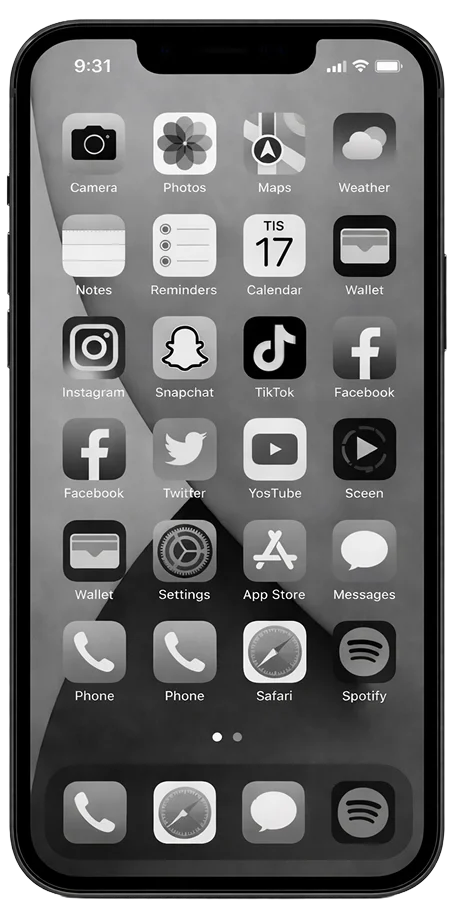
During your focus window, your iPhone shifts to grayscale. Feeds stop feeling snackable. Color is part of the pull — remove it, and the pull weakens.

Eclipse grayscale screen active during a focus window
Three

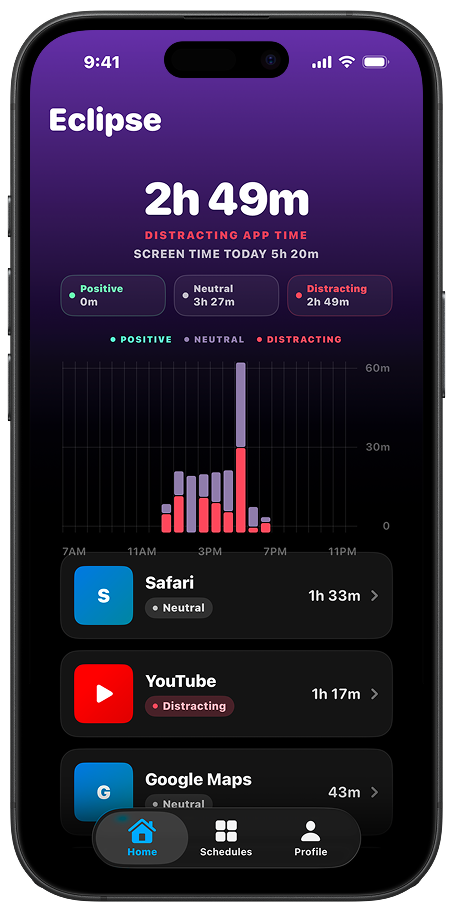
See the pattern, not the number

Instead of "3h 12m of Instagram," you see when and where your focus usually breaks. Context, not shame.

Eclipse onboarding screen showing decreasing usage graph and app features

Grayscale runs through a one-time iOS setup using your phone's built-in features. Takes about 4 minutes. The app walks you through it.

Most focus tools try to block behavior.
This one changes how behavior feels.

Color is a reward amplifier. Feeds are designed to be vivid — bright thumbnails, red notifications, infinite contrast. When you remove color during focus hours, scrolling stops feeling like a treat. You're not fighting the phone anymore. The phone just stopped competing.

That's the difference between willpower and environment design.
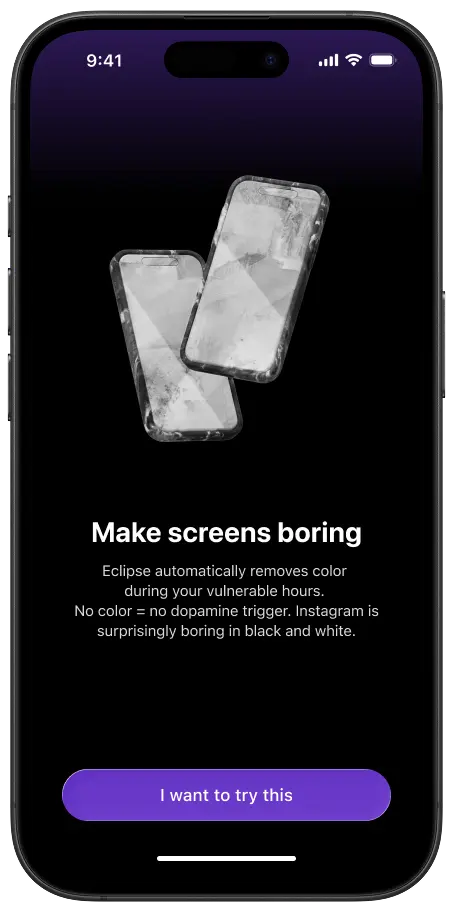
Eclipse makes your screen boring — grayscale app interface

This is for you if:

  • You still want maps, messages, and social — just not at 10 PM
  • You've tried screen time limits and turned them off within a week
  • You don't want to delete apps, you want them to feel less urgent
  • You want a calmer phone without feeling like you're being managed

This probably isn't for you if:

  • You want a full app blocker with hard locks
  • You prefer managing your screen time manually, day by day
  • You want your phone to feel like a productivity dashboard
"Does this actually work with iOS without breaking anything?"
Yes. Eclipse uses iOS Screen Time permissions for app limiting. Grayscale runs through iOS Shortcuts and Focus modes already built into your phone. Nothing unusual, nothing fragile.
"What if I need to use my phone during a focus window?"
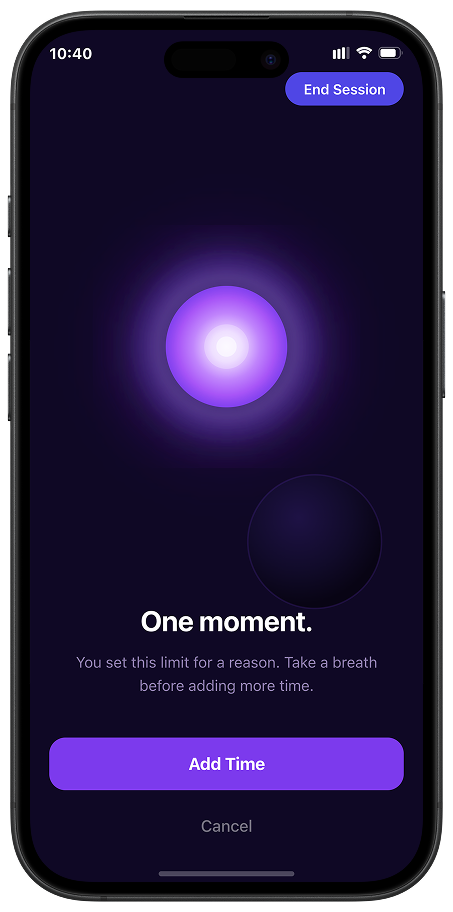
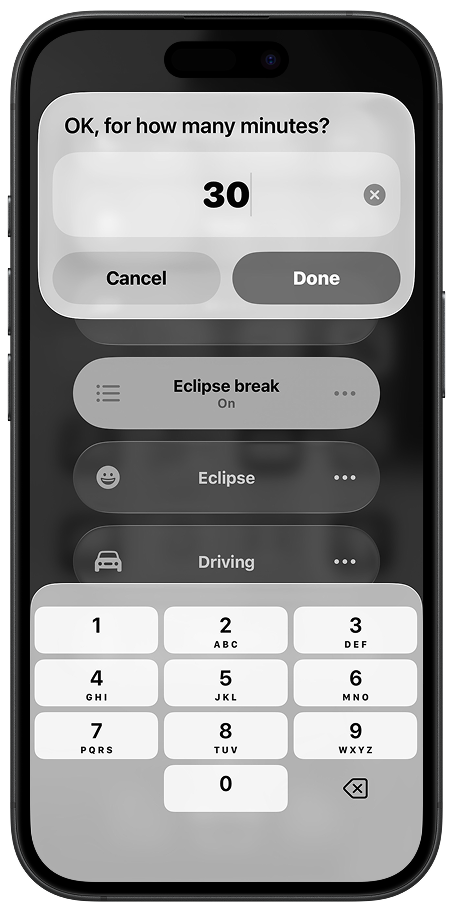
You set the windows. You can adjust them anytime. This isn't a lock — it's a default that works for you instead of against you.
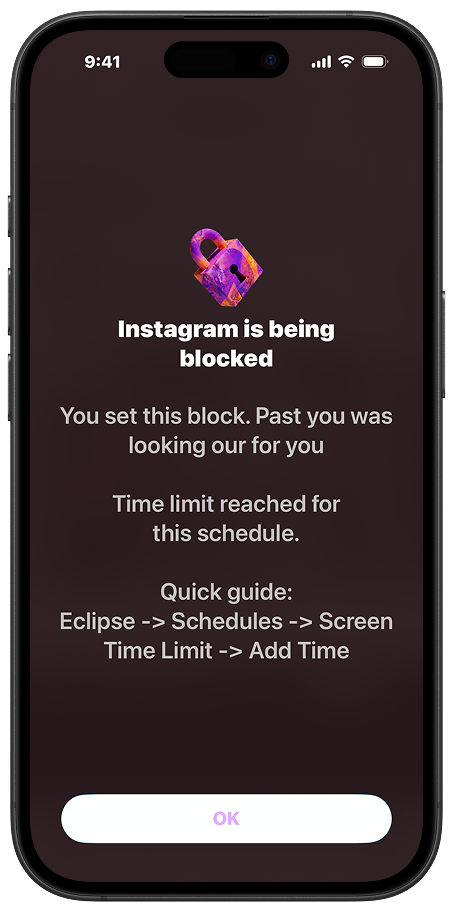
Eclipse block screen showing Instagram blocked during a focus window
"How is this different from Screen Time?"
Screen Time shows you data and lets you set limits. Eclipse reduces stimulation so the limits actually hold. The grayscale layer is what Screen Time doesn't have.
"What does it cost?"
Around $8/month or $47/year. Pricing confirmed at launch. Waitlist gets early access and launch pricing.
"What do you do with my data?"
Your focus data stays on your device. Your email goes on a waitlist. That's it.

Launch is coming.
Waitlist gets in first.

Early access. Launch pricing. No spam — just one email when it's ready.

You're on the list. We'll be in touch when it's ready.

For iPhone · iOS 16 or later · Coming 2026

Eclipse analytics screen showing app usage patterns